Features
Nest brings the everyday jobs of family life into one calm app: homework help, revision, reminders, family memory, calendars and school email.
Homework tutor — hints, not answers
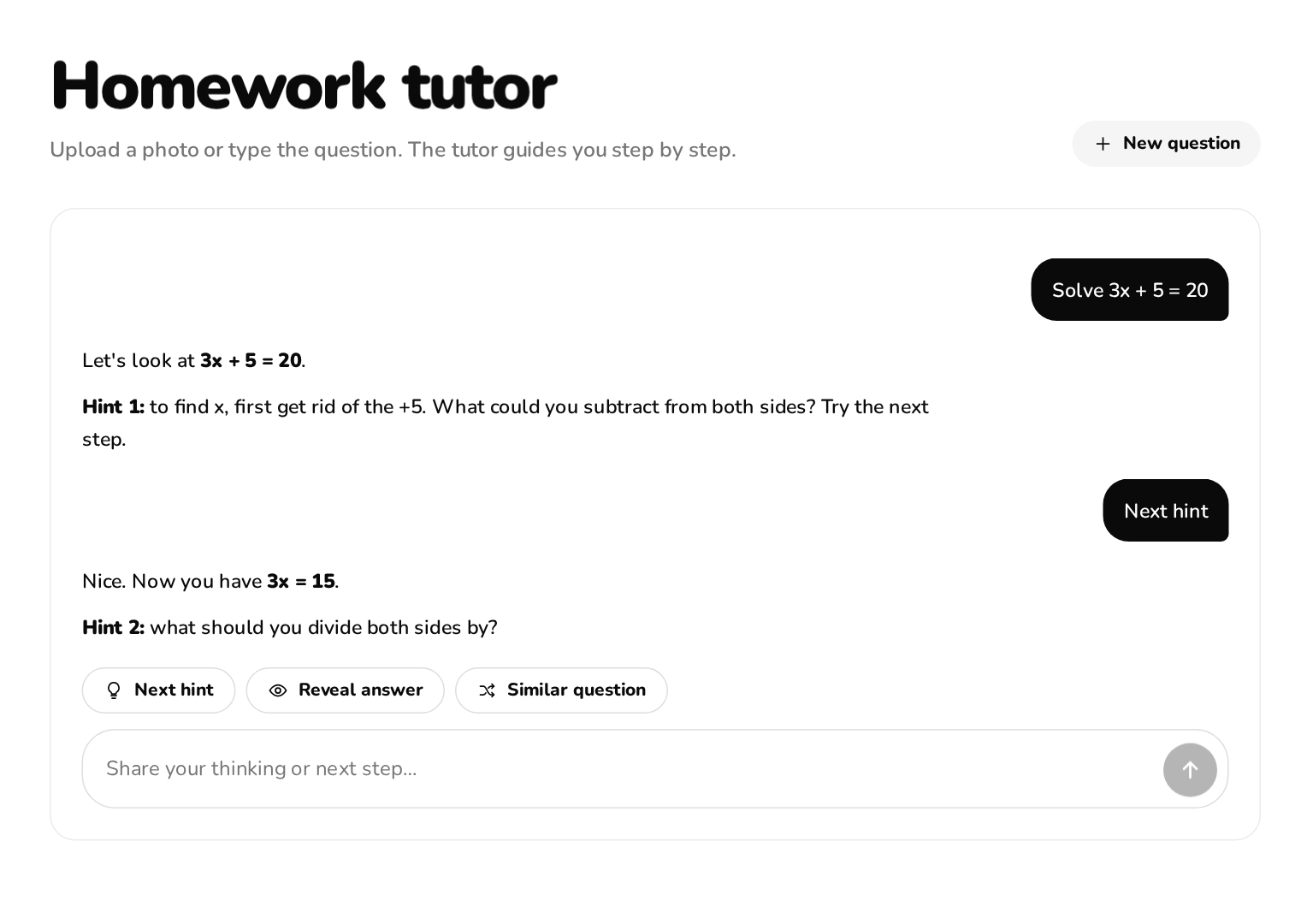
- Type or photograph a question; the tutor guides one step at a time.
- The answer appears only when you tap “Reveal answer”, then a similar practice question is one tap away.
- Draws diagrams in the chat: light refraction and reflection, lenses and mirrors, forces, circuits, function graphs with sliders, bar, pie and line charts.
- Maths is typeset properly, and visuals work in dark mode and on phones.
Revision quizzes
- Make a quiz from a topic or your notes in seconds.
- Instant feedback on each answer, so revision before tests and dictations is quick.
AI agent
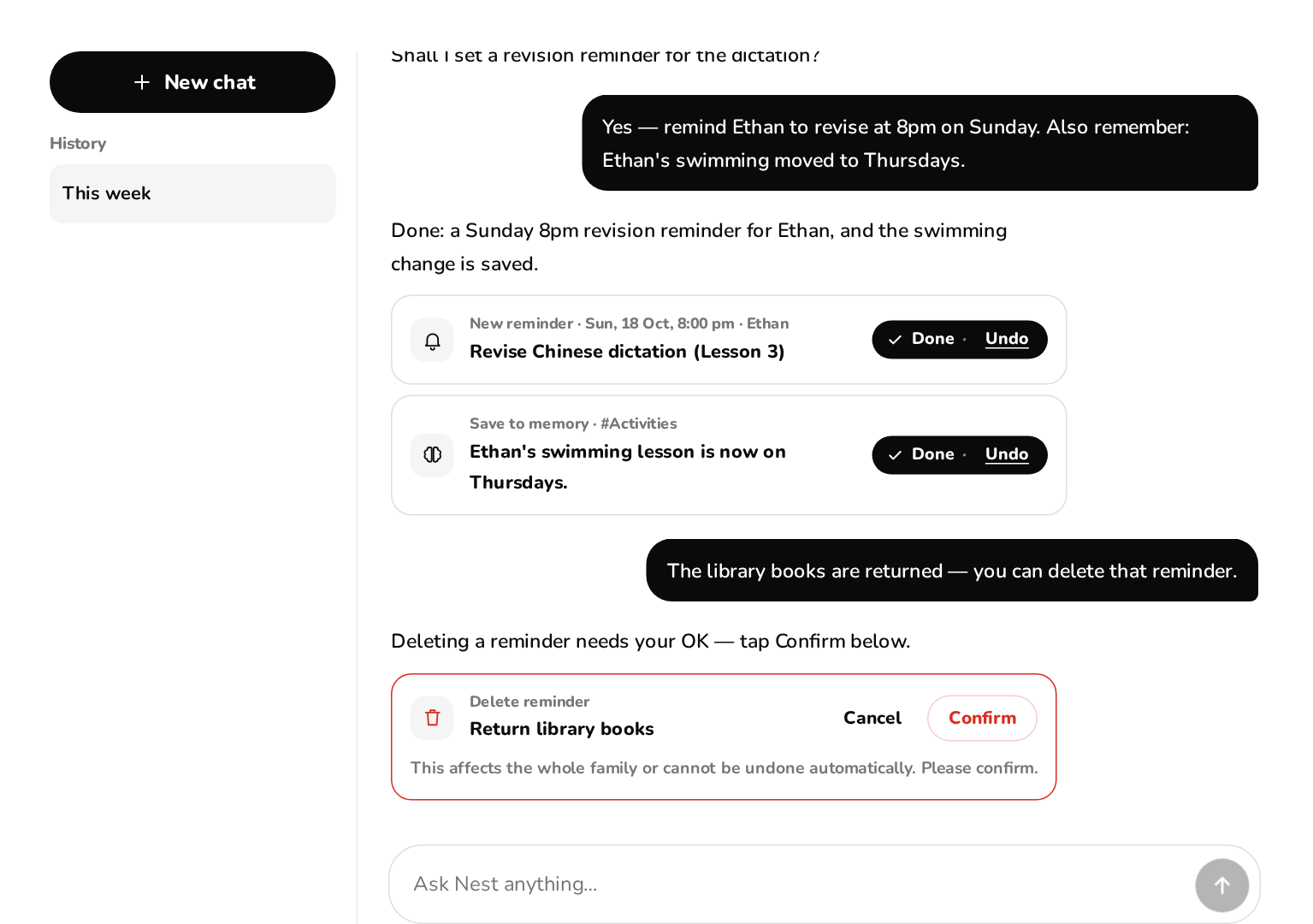
- Adds and edits reminders, saves details to family memory and changes settings when you ask.
- Low-risk actions run with Undo; deleting, inviting or removing a member always asks you to confirm.
- Answers factual questions with a Wikipedia lookup and shows the sources.
- Reads attached photos, PDFs and Word files — for example a school notice — and suggests a reminder.
Family memory
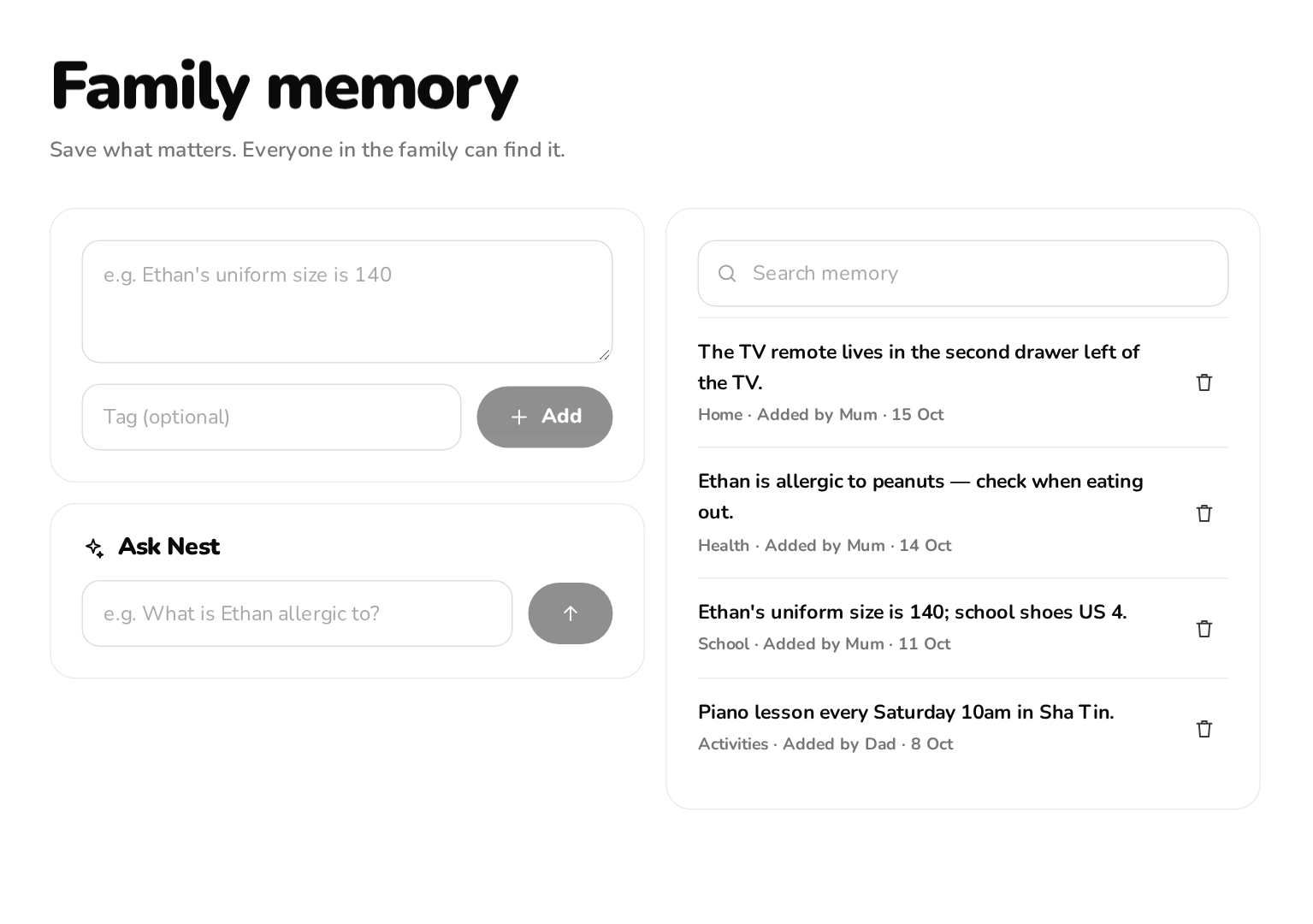
- One shared memory for the family: allergies, sizes, class times, where things are.
- Ask in everyday words; answers show who saved the detail and when.
Reminders, notifications and the daily brief
- Reminders for yourself, one member or everyone; Nest suggests them from school notices and bills.
- Push notifications on iPhone and iPad (after adding Nest to the Home Screen, iOS 16.4+), Android and desktop.
- A morning brief around 7 am and an evening “tomorrow” brief around 7 pm Hong Kong time; quiet hours are respected.
- Birthdays, homework deadlines and tests can notify you too.
Calendar
- Day, week and month views in Hong Kong time.
- Connect Google Calendar (all your calendars, several accounts) and Apple iCloud calendars; add and edit events.
- Hong Kong public holidays built in; family members can choose to share their calendar with the family.
Connections: Gmail, Google Classroom, Drive
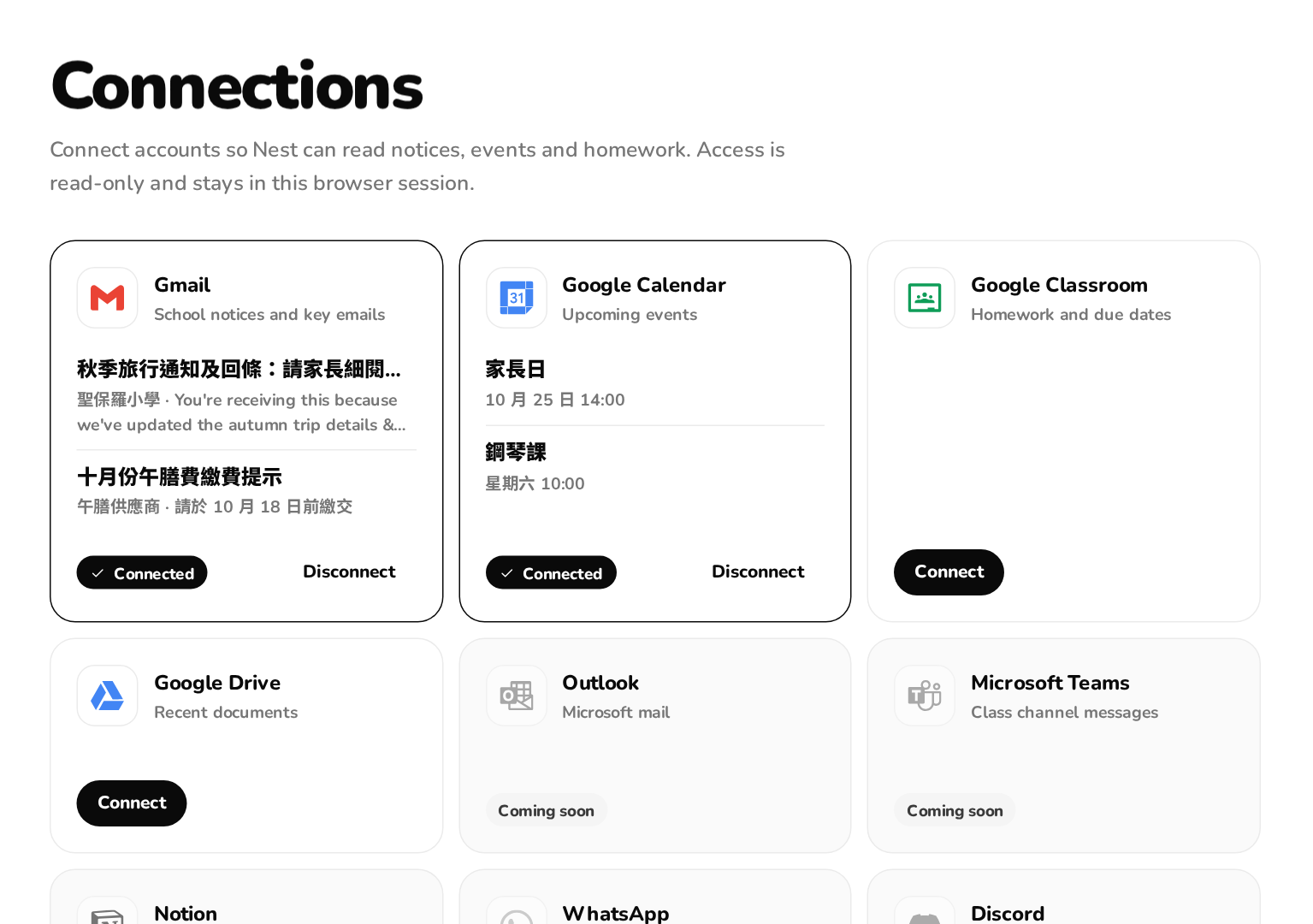
- Gmail, Classroom and Drive are read-only. Nest looks for school notices, reply slips, tests, homework and fees.
- Suggestions arrive as cards you accept, edit or dismiss — nothing is added without you.
- Disconnect any account at any time; that also revokes Nest’s access at Google.
Local info by country or region
- Pick your country or region on a globe (all ISO 3166-1 countries and regions). You can change it any time in Settings.
- Local packs for Hong Kong, Macao, mainland China, Taiwan, Singapore, Japan, South Korea, the US, the UK, Australia, Canada, Germany, France, India and Malaysia: public holidays or official holiday links, transport and weather links, emergency numbers and exam systems for the homework tutor. Other regions get general settings.
- Hong Kong: Hong Kong Observatory warnings and forecasts, class suspension notices, school holiday dates (Education Bureau example calendar) and live KMB, Citybus and MTR arrival times with a “when to leave” card.
Family, roles and privacy
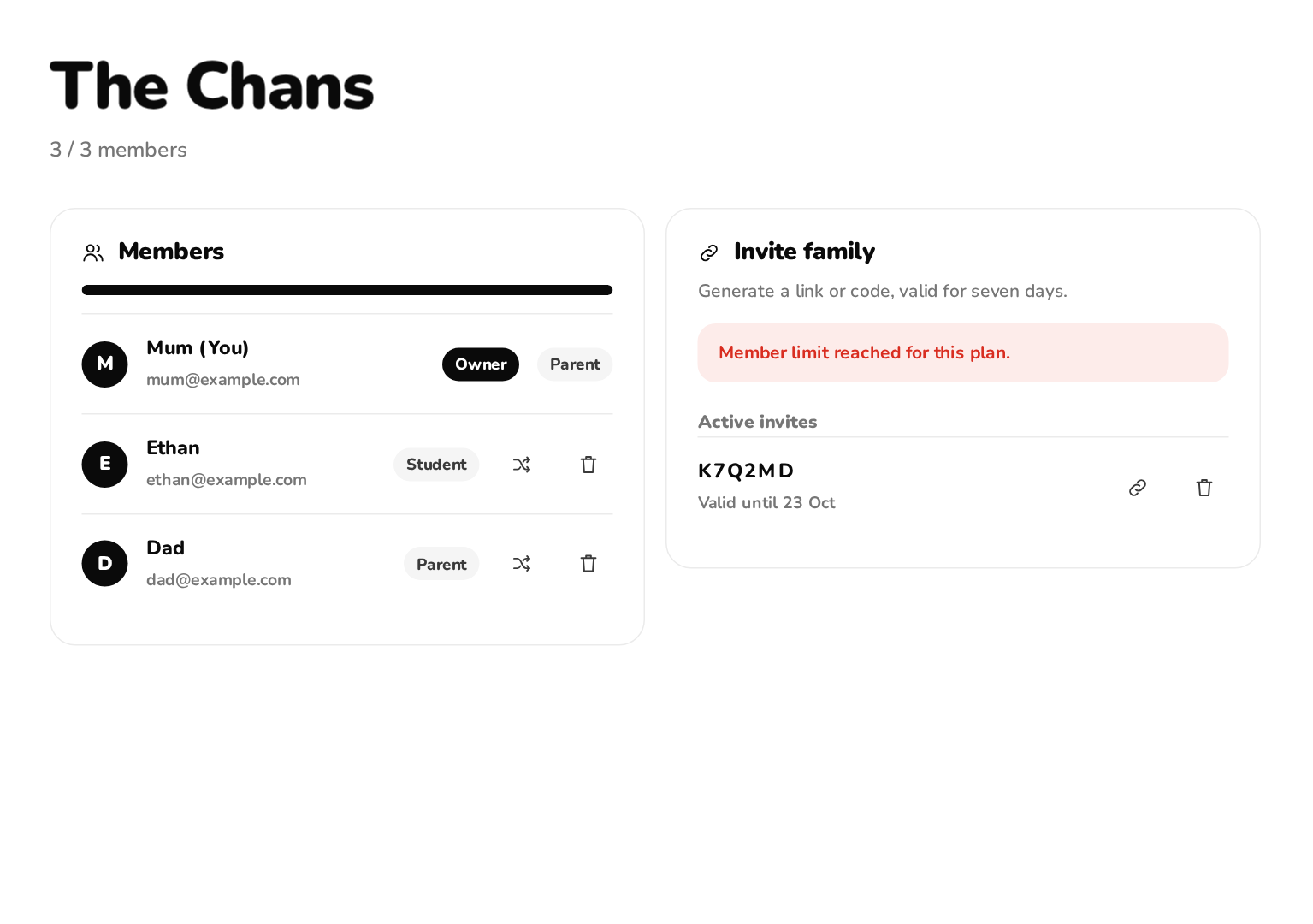
- Members, roles and invites on one page; invite with a link or a six-character code valid for seven days.
- Family data is only accessible to members of that family. Connected Google access is stored encrypted and used only for your own requests.
- Export your data as a JSON file from Settings.
Plugins and languages
Install sandboxed plugins such as themes, a countdown and a Pomodoro timer from the Plugin Store. Nest works in 12 languages — English, Traditional Chinese (Hong Kong written Chinese), Simplified Chinese, Japanese, Korean, Spanish, French, German, Portuguese (Brazil), Indonesian, Vietnamese and Thai — and the AI replies in the language you choose.